
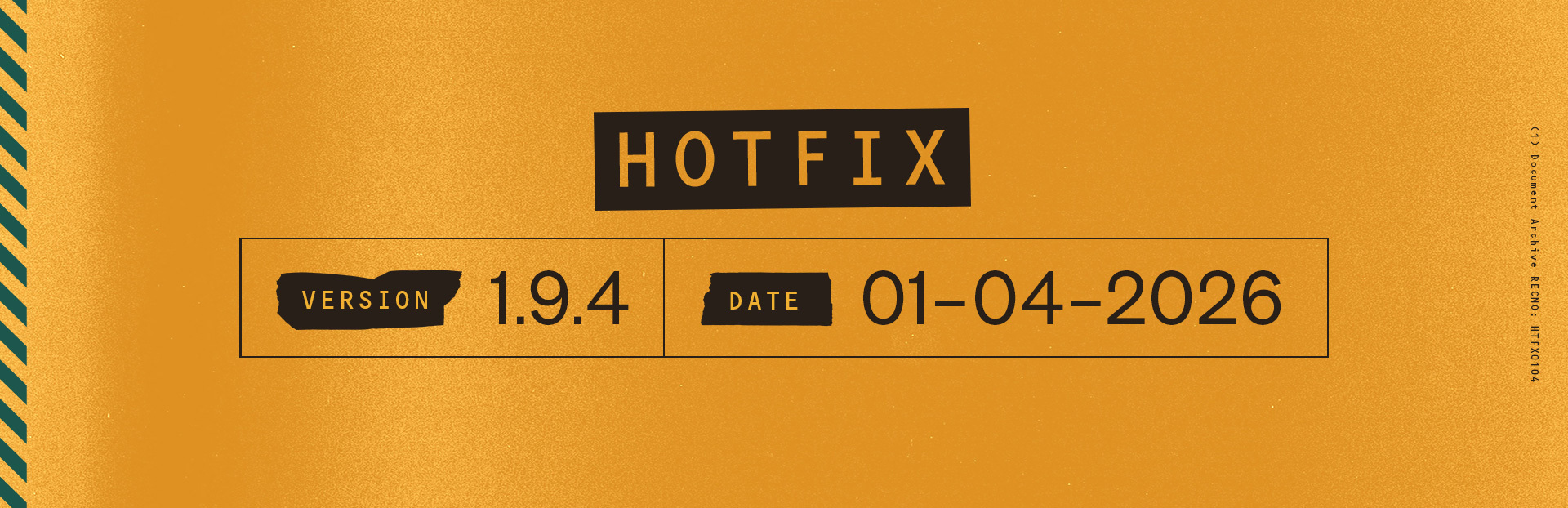
Hotfix addressing connection errors, revive issue, and adding Discord link
PlayStation 5: 1.009.004
Xbox Series X|S: 1.9.4.0
PC: 1.9.4
Windows PC: 1.9.4.0
Overview
This hotfix focuses on resolving recent connection issues and improving gameplay stability.
Patch notes
Fixes and Improvements
Added a Discord link to the main menu on PC
Fixed an issue introduced in the previous hotfix that caused increased connection errors
Fixed an issue where a recently revived player could not revive another teammate
List of currently known issues not related to this patch here:
- https://steamcommunity.com/app/2272540/discussions/0/500576489694044746/
- Containment Ongoing: Known Issues & Updates 1.9.4
Contact Player Support
If you have questions or continue to encounter problems, and the issue persists, you can contact our support team for technical assistance.
- Open the Remedy Help Center. Go to remedy.helpshift.com and click the chat bubble in the lower‑right corner to start a ticket.
- Describe your issue. Select Bug Reports, Game Froze/Crash, or the most relevant option, and answer the bot’s questions. Be sure to include your email address, platform (Steam, PlayStation, Xbox, Switch, etc.), User ID, screenshot/video, and a clear description of what went wrong.
- Provide additional details. Player Support may ask you for additional files or info that may help with your issue, such as Error Code/Message, DxDiag, or MSInfo.
For comprehensive bug‑reporting instructions, refer to FBC: Firebreak - How to Report Bugs & Crashes in our Remedy Technical Support and Help Center.