
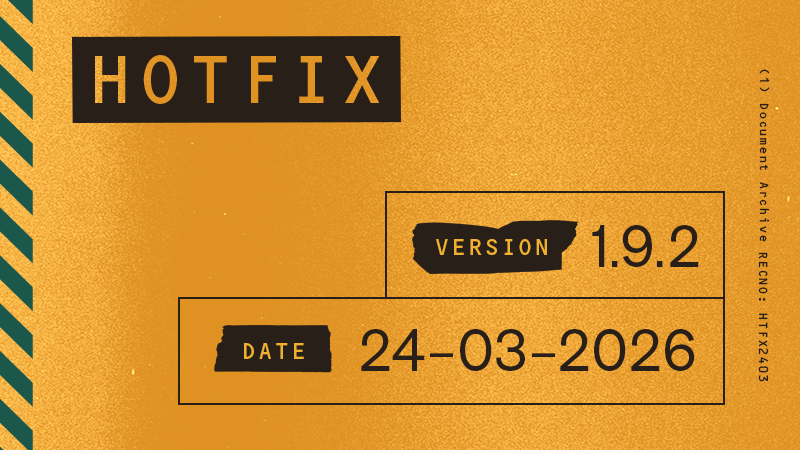
Hotfix with UI fixes, crash improvements, and Endless Shift bug fixes
PlayStation 5: 1.009.002
Xbox Series X|S: 1.9.2.0
PC: 1.9.2
Windows PC: 1.9.2.0
Overview
This hotfix includes a number of minor fixes and improvements.
We're aware of Major Update Open House not being available on Epic Games Store. We're working with Epic to resolve the issue and will update you once the update is available on Epic Games Store.
Patch notes
Fixes and Improvements
Fixed a few localization issues and crash-related problems
Added missing “Select Game Mode” button to the main menu
Removed “Exit to Desktop” prompt on consoles
Endless Shift
Fixed an issue where players could achieve negative Corruption values when using the Compound Corruption Enhancement
Fixed an issue where the Trigger Finger Enhancement could cause weapons to ‘jam’ during reload, requiring additional input to function normally
List of currently known issues not related to this patch here:
https://steamcommunity.com/app/2272540/discussions/0/500576489694044746/
Contact Player Support
If you have questions or continue to encounter problems, and the issue persists, you can contact our support team for technical assistance.
- Open the Remedy Help Center. Go to remedy.helpshift.com and click the chat bubble in the lower‑right corner to start a ticket.
- Describe your issue. Select Bug Reports, Game Froze/Crash, or the most relevant option, and answer the bot’s questions. Be sure to include your email address, platform (Steam, PlayStation, Xbox, Switch, etc.), User ID, screenshot/video, and a clear description of what went wrong.
- Provide additional details. Player Support may ask you for additional files or info that may help with your issue, such as Error Code/Message, DxDiag, or MSInfo.
For comprehensive bug‑reporting instructions, refer to FBC: Firebreak - How to Report Bugs & Crashes in our Remedy Technical Support and Help Center.